ai-garage
Data Analyst Agent 📊
A powerful multi-agent system built with AutoGen 0.4 that provides automated data analysis, visualization, and insights generation through an interactive chat interface.
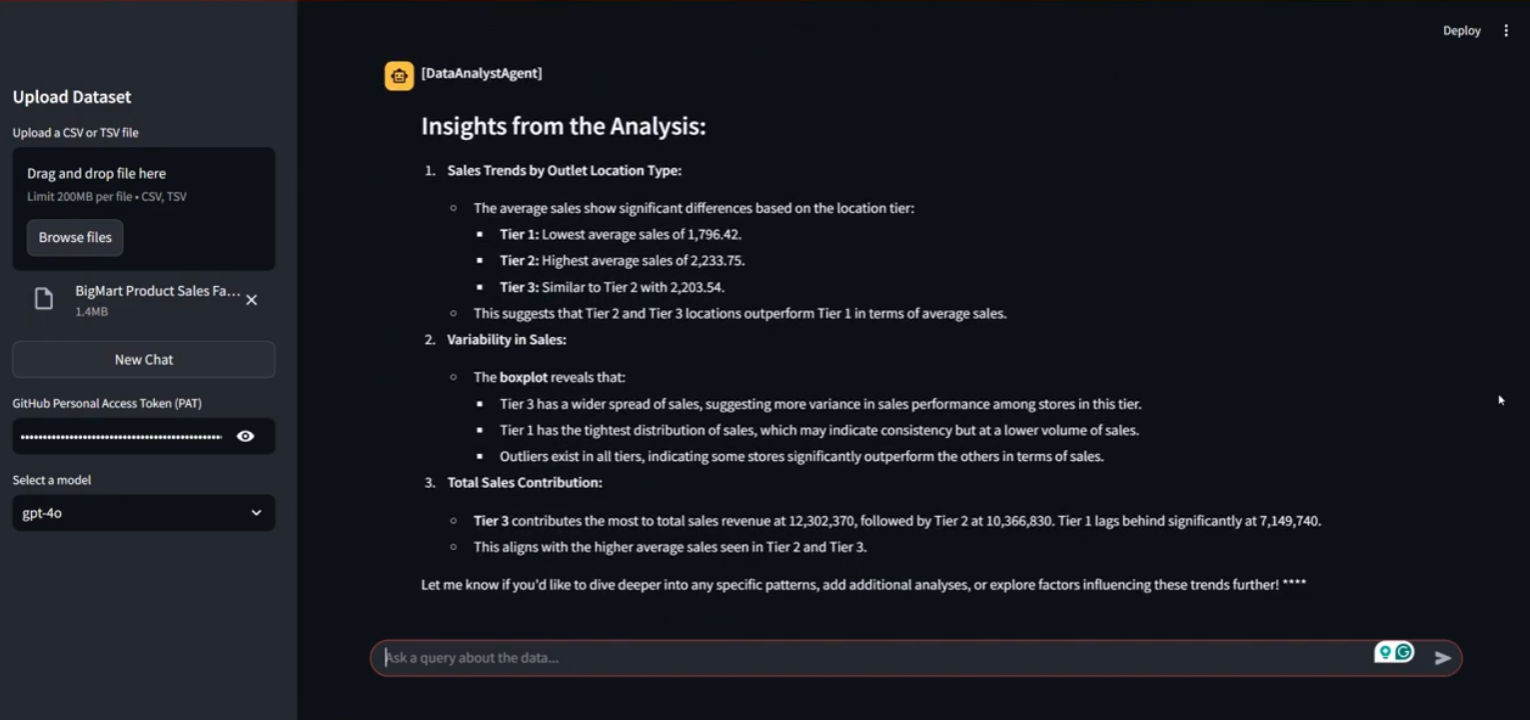
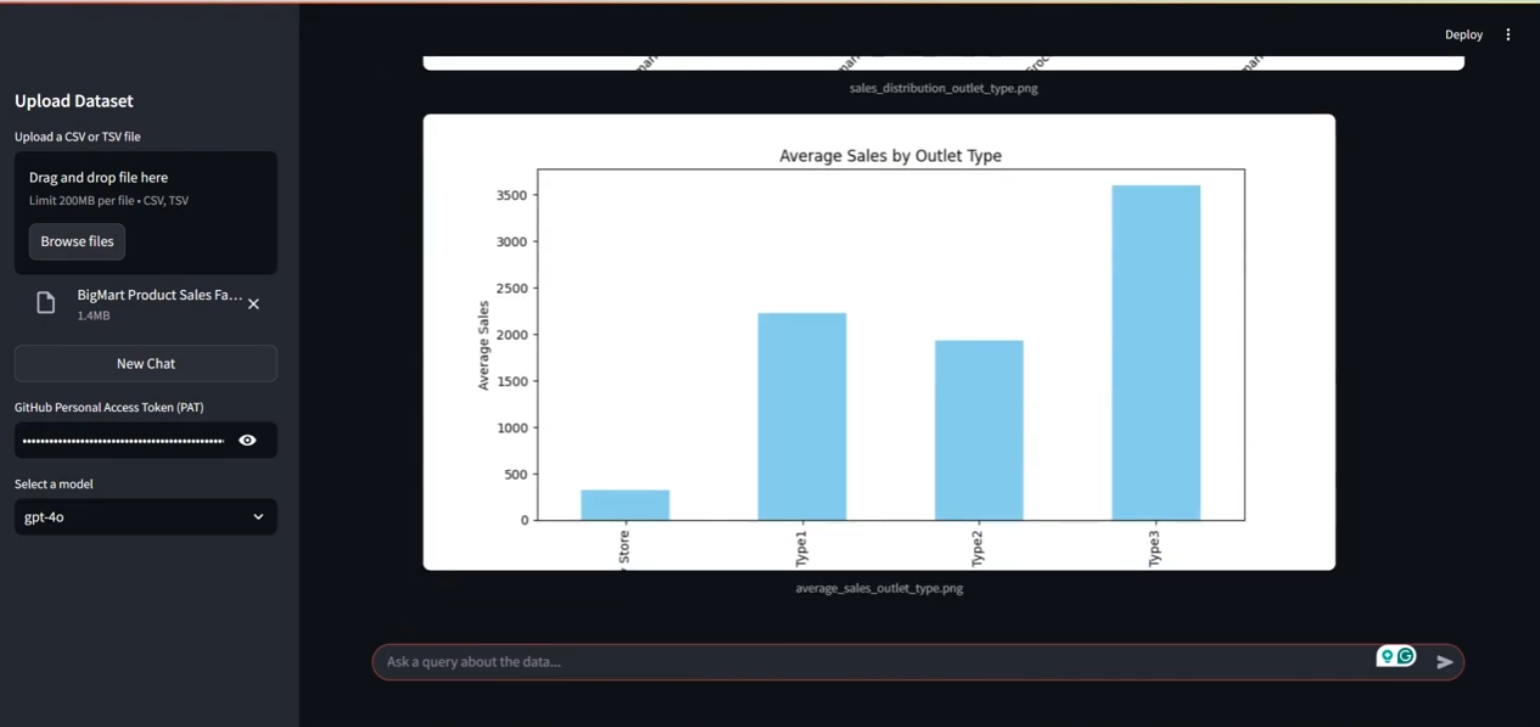
Check out the demos 👇🏼
Features
- Multi-Agent Architecture
- Data Analyst Agent: Plans and generates analysis code, creates visualizations, extracts insights
- Code Executor Agent: Executes code, provides debugging feedback, ensures successful execution
- Agents collaborate through a
RoundRobinGroupChatsystem for iterative improvements
- Interactive Analysis
- Upload CSV/TSV datasets through a Streamlit interface
- Ask questions about your data in natural language
- Receive detailed analysis plans, visualizations, and insights
- Real-time code execution and feedback loop
- Advanced Capabilities
- Automated Python code generation for data analysis
- Dynamic visualization creation using popular libraries
- Intelligent error handling and debugging
- Persistence of chat history and analysis results
- Support for large datasets
Technology Stack
- Framework: AutoGen + Streamlit
- Code Execution: Local command-line Python executor
- File Formats: CSV, TSV support
Setup
Prerequisites
- Python 3.10 or higher
uvpackage installer, recommended for Python project management (Reference)- Retrieve Your GitHub Personal Access Token (PAT)
How to generate a GitHub PAT?
We'll use **Github Models Marketplace** to get free access to Large Language Models (LLMs) that will be used to create AI Agents. To access this service, you will need to create a **GitHub Personal Access Token (PAT)**. This can be done by going to your [Personal Access Tokens settings](https://github.com/settings/personal-access-tokens) in your GitHub Account. Select the `Fine-grained tokens` option on the left side of your screen. Then select `Generate new token`. Add a **Token Name** & within **Permissions**, select `Read-only` access for **Models**. Then click `Generate token`.
Installation
- Clone the repository & get into the project directory
git clone https://github.com/tezansahu/ai-garage.git cd ai-garage/data-analyst-agent-autogen - Create and activate a virtual environment using
uv:uv venv # On Windows .\.venv\Scripts\activate # On macOS/Linux source .venv/bin/activate - Install all dependencies
uv sync - Run the Streamlit app:
streamlit run app.py
Usage
- Launch the application
- Upload your dataset (CSV/TSV) using the sidebar
- Add your GitHub PAT & select the LLM you wish to use
- Ask questions about your data in natural language
- View generated visualizations and insights
- Use “New Chat” to start fresh analysis
Get me insights related to distribution of sales w.r.t outlet type